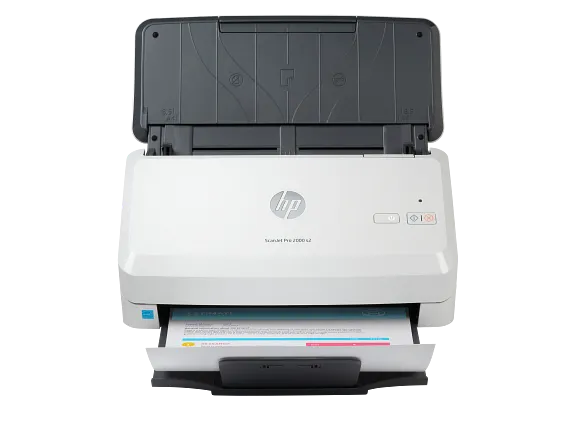
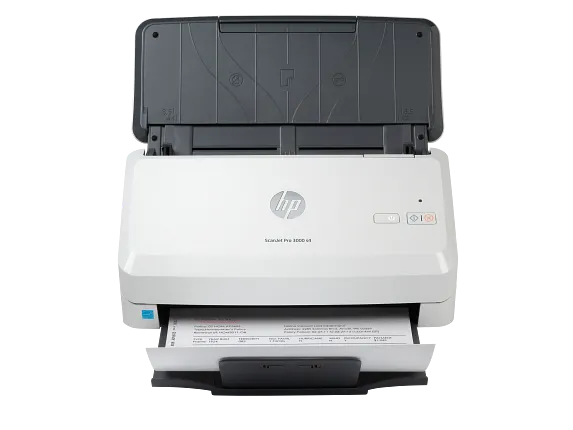
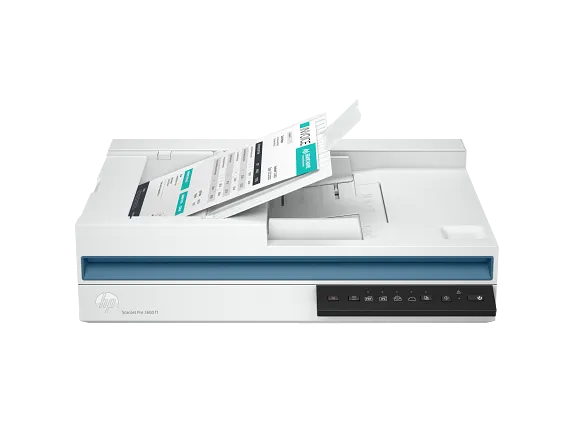
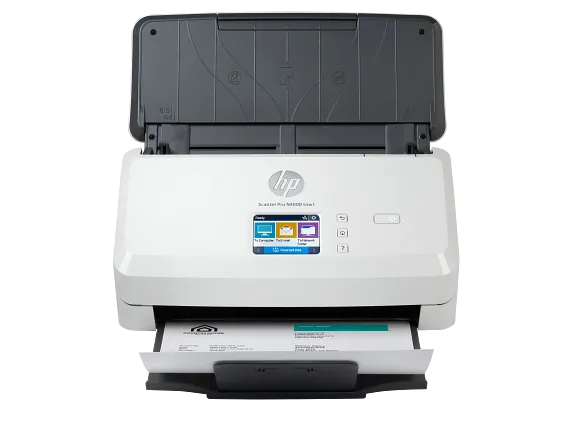
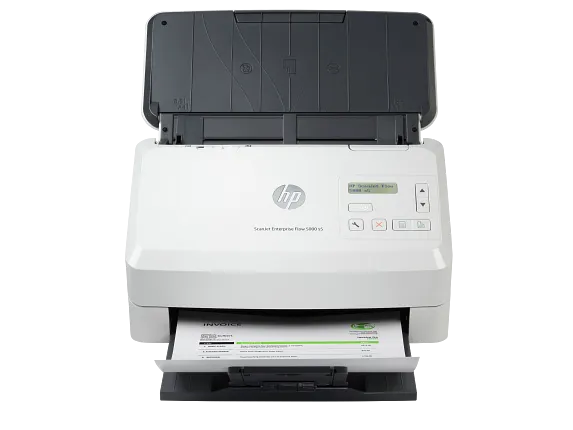
DOCUMENT SCANNING
Scanners for Home, Office & Business Document Management
Scanners help transform paper documents into digital files, making it easier to organize records, manage paperwork, and improve everyday workflows. Whether you're scanning contracts, invoices, receipts, reports, photographs, or important documents, choosing the right scanner can simplify document management for homes, offices, educational environments, and businesses. This collection includes scanning solutions designed for different workloads, workspace sizes, and document handling requirements.
Explore document scanners, desktop scanners, wireless scanners, portable scanners, and high-speed scanning devices with detailed product information. Compare scanning speed, connectivity options, document handling, image quality, paper capacity, and productivity features to find a scanner that fits your document management needs.
Scanner Buying Guide
Choosing the right scanner begins with understanding what you scan most often. Home users may need a compact scanner for personal documents and photographs, while businesses often require scanners capable of handling larger volumes of paperwork throughout the workday. If your workflow involves scanning multiple pages, models equipped with an automatic document feeder (ADF) can help improve efficiency. Users who frequently work from different locations may also benefit from portable or wireless scanning solutions.
Before selecting a scanner, compare scanning speed, optical resolution, automatic document feeder capacity, duplex scanning capability, wireless connectivity, supported document sizes, software compatibility, and file format options. Reviewing these features helps you choose a scanner that supports both your current document management requirements and future workflow needs.
Key Features to Consider
- High-quality document and image scanning.
- Automatic document feeder (ADF) for multi-page scanning.
- Duplex scanning for both sides of a document.
- Wireless connectivity for flexible workspace integration.
- Compact and desktop designs for different environments.
- Fast scanning speeds for everyday document management.
- Support for multiple paper sizes and document types.
Frequently Asked Questions
Q1
What type of scanner should I choose?
The right scanner depends on the types of documents you scan, expected scanning volume, available workspace, and whether you require features such as duplex scanning, wireless connectivity, or an automatic document feeder.
Q2
What is an automatic document feeder (ADF)?
An automatic document feeder allows multiple pages to be scanned in sequence without manually placing each page on the scanner, making it useful for larger document batches.
Q3
Are wireless scanners suitable for home and office use?
Many wireless scanners allow compatible devices to connect through a wireless network, providing greater flexibility for homes, home offices, and business workspaces.
Q4
What features should I compare before buying a scanner?
Compare scanning speed, optical resolution, duplex scanning capability, document feeder capacity, wireless connectivity, supported paper sizes, and software compatibility before choosing a scanner.
Q5
Can scanners create searchable digital documents?
Some scanner models include software that supports optical character recognition (OCR), allowing compatible scanned documents to become searchable digital files. Available software features vary by product.
Explore Related Categories
Looking for a specific scanning solution? Explore our Document Scanners, Enterprise Document Scanners, Portable Scanners, and Wireless Scanners collections to compare products designed for different document management and scanning requirements.